Comparing large datasets of images — such as high-resolution (HR) and low-resolution (LR) pairs — can quickly become a tedious manual task. Whether your pipeline involves tens or thousands of image pairs, TwinLens is designed to simplify this workflow. In this guide, we'll demonstrate how to efficiently match, compare, and analyze your image directories side by side. For demonstration purposes, we'll use images from the BSD100 dataset.
Simple Drag-and-Drop Setup
Getting started is straightforward. Drag your low-resolution folder into the left panel and your high-resolution folder into the right panel. TwinLens immediately parses the directories and identifies matching image pairs based on their filenames. When using the bicubic-4x dataset, the application rapidly matches all pairs and prepares them for immediate visual comparison.
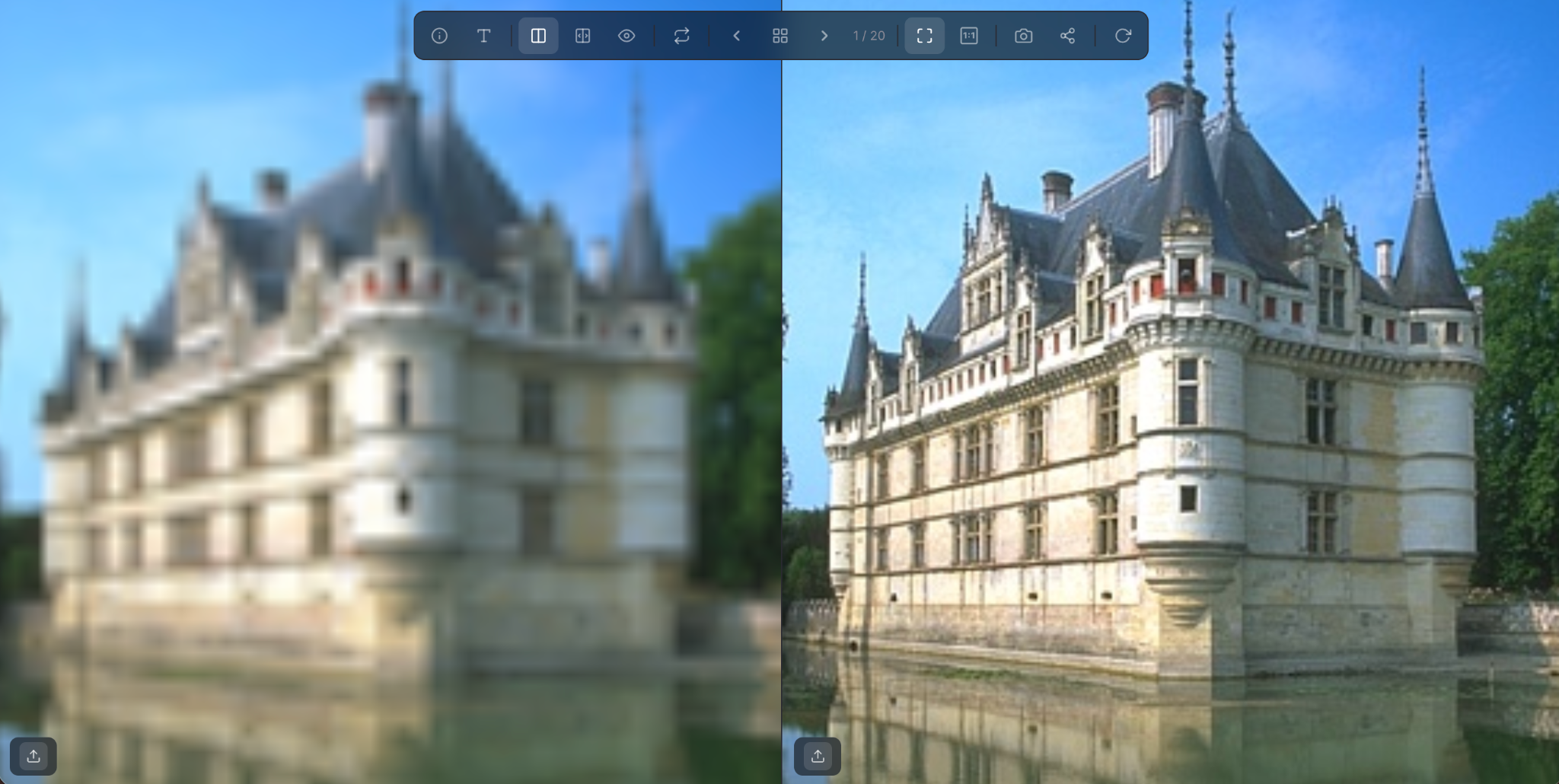
Navigate and Compare with Ease
Once your images are loaded, you can examine them side by side with several intuitive features to accelerate your review process:
- Use the ← / → arrow keys or the toolbar's prev/next buttons to move between pairs.
- Press G or click the Gallery button to open a thumbnail grid and jump directly to any pair.
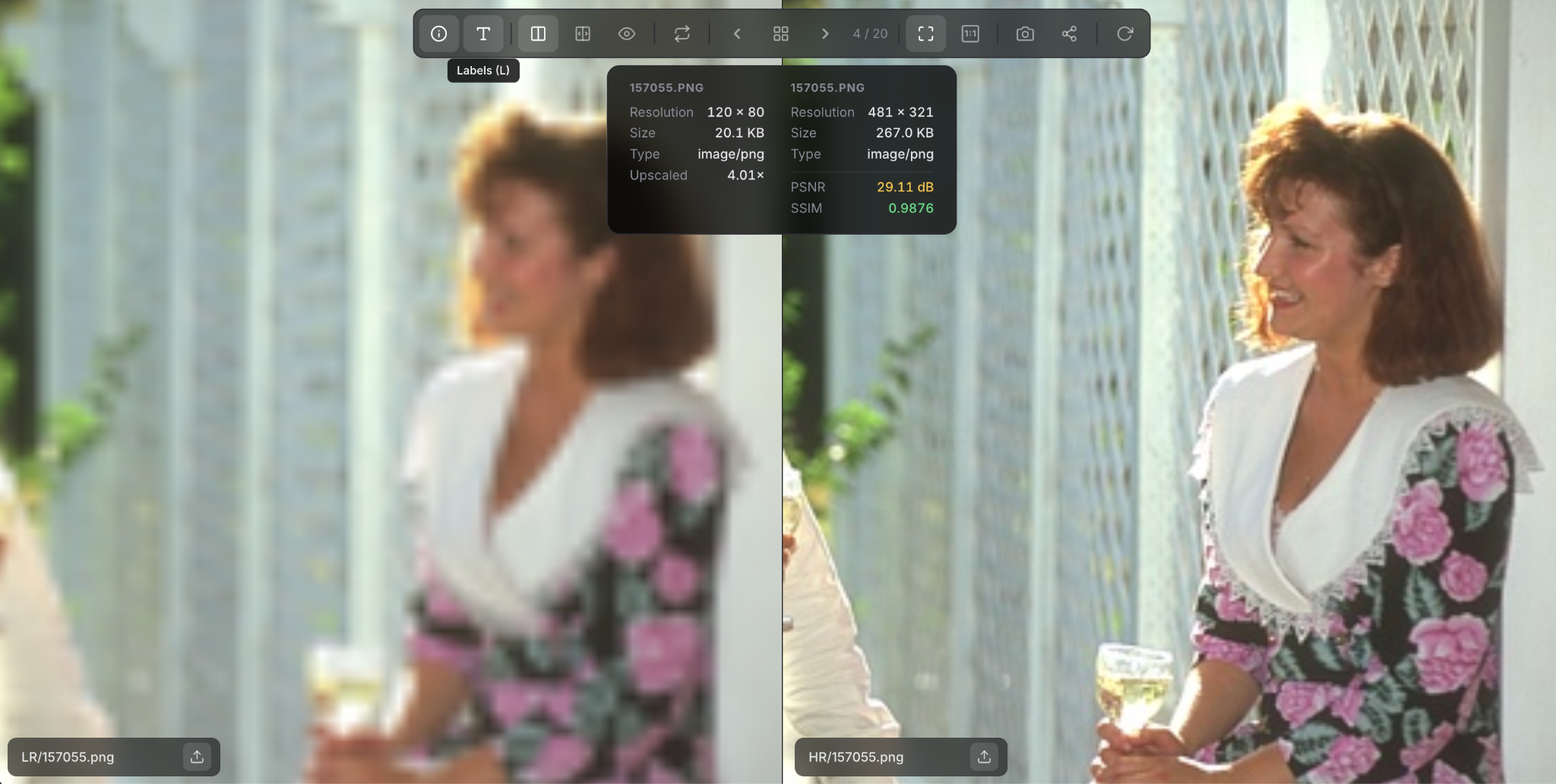
- Press L to toggle on-screen labels showing folder and image names — useful for keeping track of what you're looking at.
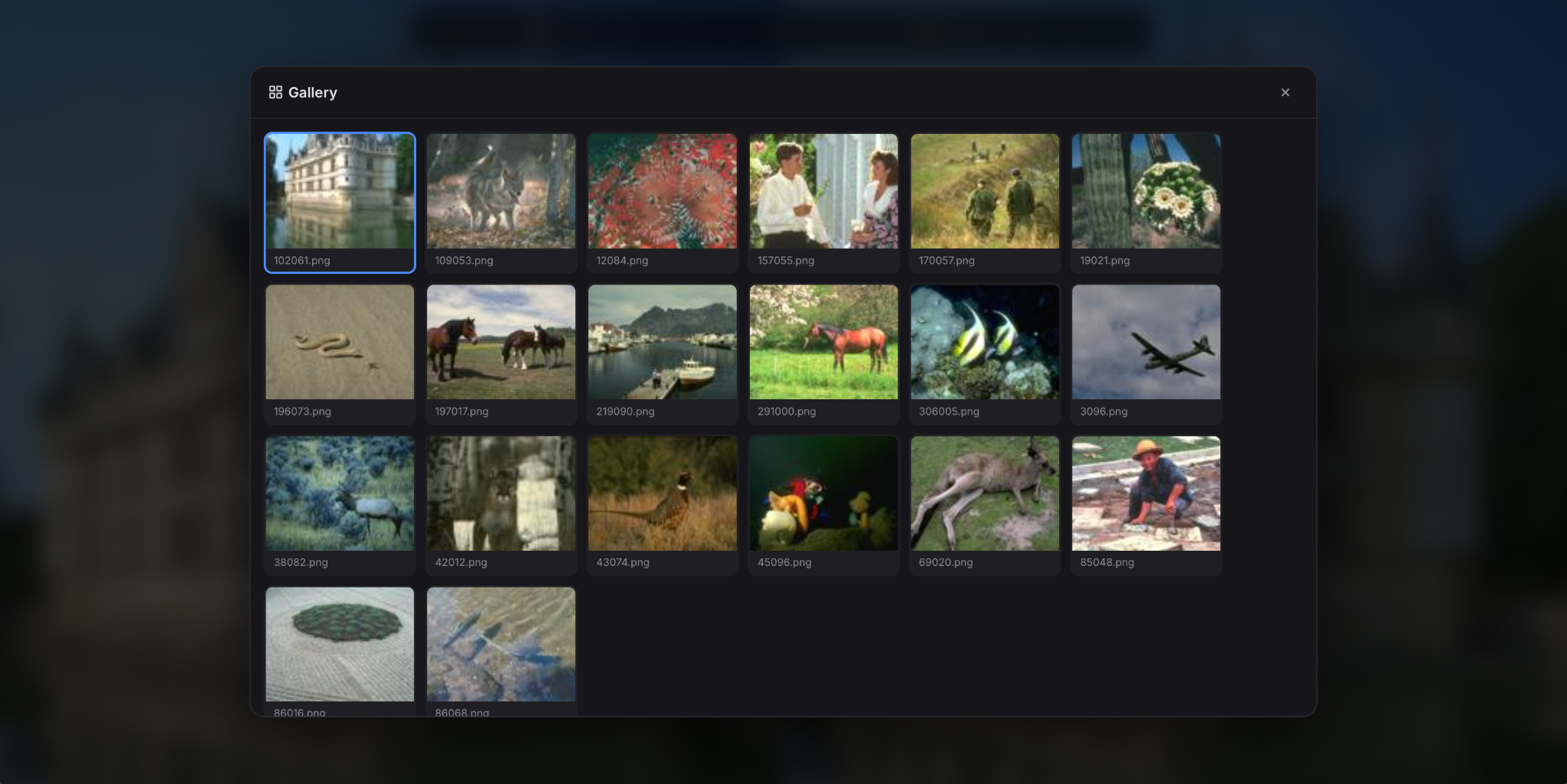
Deep Dive into Image Data
Beyond basic visual inspection, TwinLens offers tools for more granular analysis:
- Click the Info button to access image dimensions and quantitative comparison metrics for the current pair.
- Scroll to zoom in — both panels stay in sync so you inspect the same region at the same time.
- Press F to fit both images to the window, or A for actual 1:1 pixel size.
- Click the Snapshot button to capture the current comparison view and save it to your local machine.
Collaborate and Share
When you're ready to share results with your team, click the Share button to generate a unique link. Anyone who opens it will see the exact same view and comparison settings you configured — no account or install needed on their end.
TwinLens is built to make technical image comparison faster and more intuitive. If it improves your workflow, consider recommending it to your colleagues — and feel free to send us feedback to help us keep refining it.
Related tutorials
- How to Compare Two Images Online — Step by Step
- The Best Local Video Comparison Tool for Engineers and QA Teams
Ready to compare your folders?
Free, private, and instant — just drag your image directories in and start reviewing pairs.
Open TwinLens — No Install Needed →